.png)

Hando Admin Dashboard Template
Hando Admin Dashboard Template
1. Overview
The Hando Admin Dashboard Template is a modern, responsive, and fully-featured HTML admin template designed for developers, businesses, and organizations to build professional backend systems with minimal effort.
Built on Bootstrap v5.3.3, Hando provides a clean and modular design that can be used for CRM, eCommerce, HRM, Project Management, Analytics, and other web applications. It comes with pre-built pages, reusable UI components, charts, tables, forms, and dashboards, making it an ideal starting point for any backend system.
Hando is highly customizable, responsive, and developer-friendly, which allows seamless integration with backend frameworks like Laravel, CodeIgniter, or Node.js, enabling developers to build fully functional web applications with professional UI in record time.
2. Workflow & Structure
Hando Admin Template has a structured workflow that simplifies the management of web applications. Here’s how it works:
Step 1: Authentication
- Includes login, registration, password reset, and lock screen pages.
- Supports multi-role login for Admins, Employees, or other custom roles.
- Role-based access ensures only authorized users can access specific pages or modules.
Step 2: Dashboard
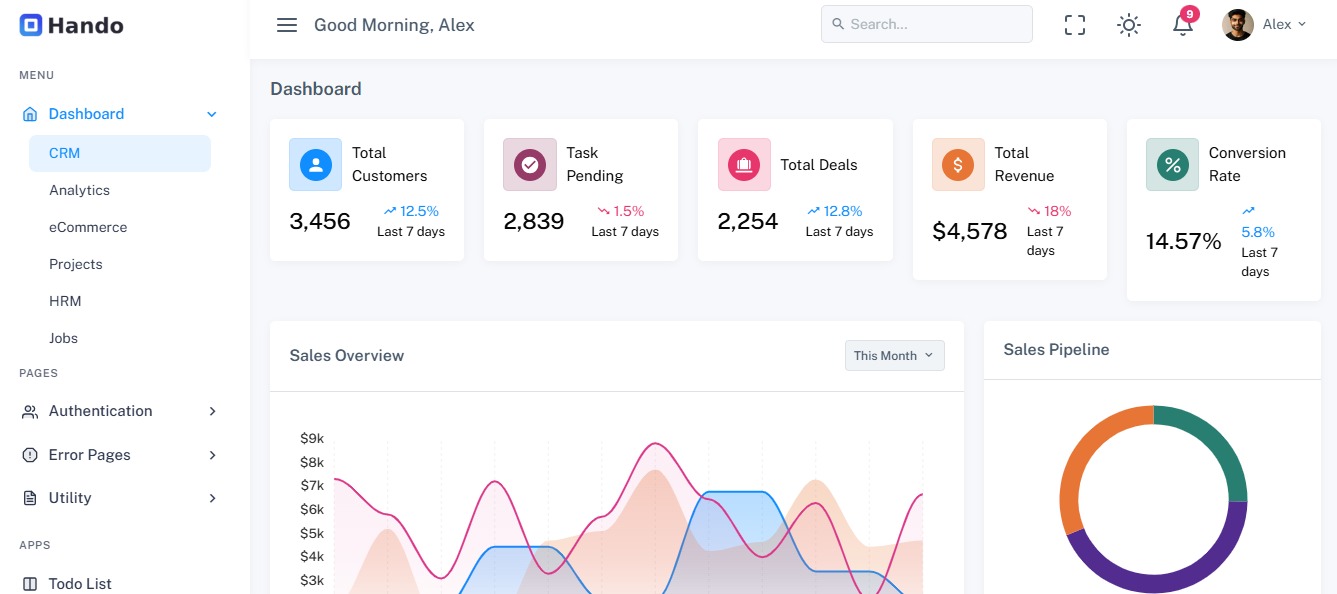
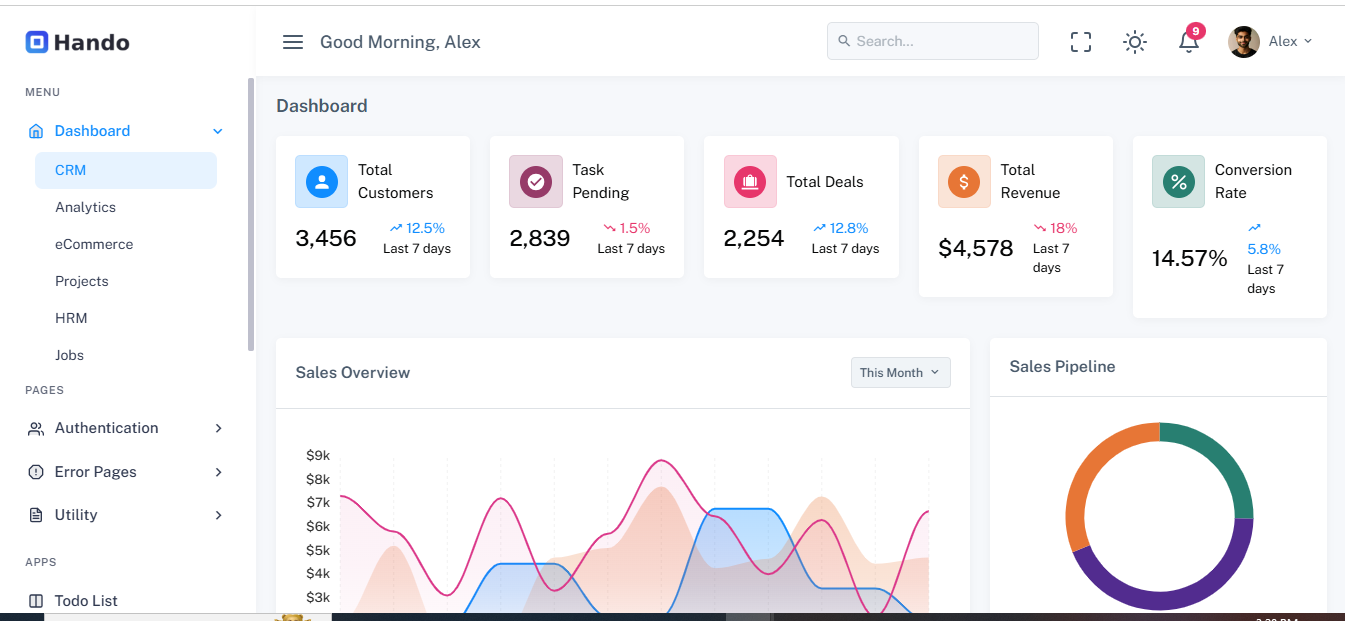
- Default dashboard offers an overview of key metrics, including sales, revenue, active users, tasks, and reports.
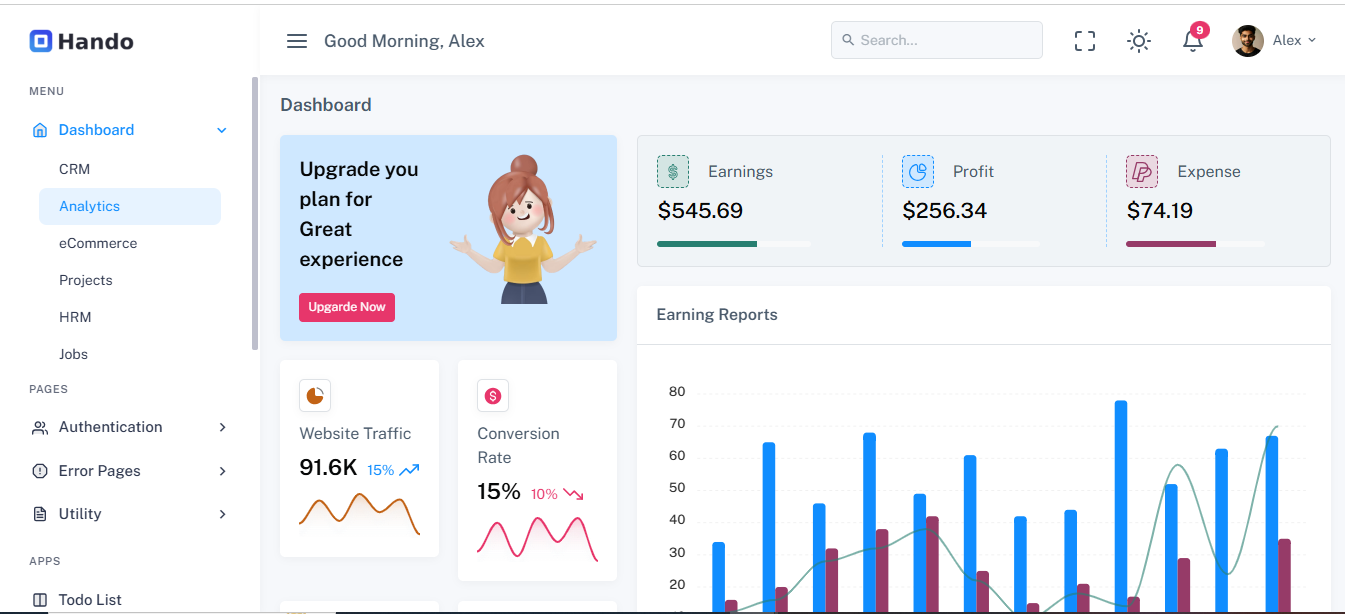
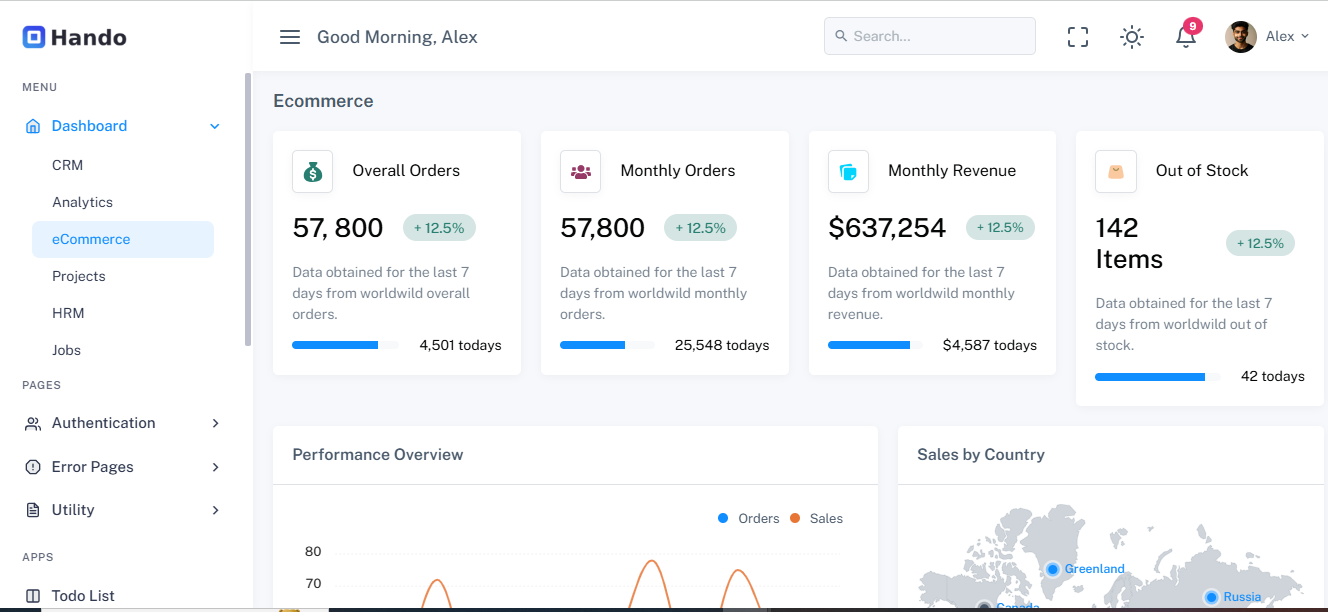
- Multiple dashboard layouts are available for CRM, eCommerce, analytics, projects, HRM, and jobs, which you can choose based on your project type.
Step 3: Navigation & Sidebar
- Left sidebar provides easy access to modules, submodules, and utilities.
- Modular design allows collapsible menus, icons, badges, and arrows to indicate nested menus.
- Typical modules include: Dashboard, CRM, eCommerce, Projects, HRM, Jobs, UI Components, Charts, Tables, Forms, Widgets, Maps, and Pages.
Step 4: Pages & Components
- Ready-to-use pages like profile, settings, invoices, pricing tables, timelines, and FAQs.
- Includes UI components such as buttons, forms, modals, tabs, tables, alerts, tooltips, badges, and progress bars.
- Supports charts (Apex Charts), maps (Google Maps & Vector Maps) for data visualization.
Step 5: Data Visualization & Analytics
- Provides interactive charts and graphs to display sales, revenue, KPIs, and trends.
- Easy integration with dynamic backend data via JavaScript or AJAX.
- Widgets for tasks, notifications, messages, and user activity enhance dashboard interactivity.
Step 6: Frontend Integration
- Can be converted to Blade templates for Laravel or other backend frameworks.
- Static HTML demo elements can be replaced with dynamic data loops, API calls, or database integration.
- Supports SASS variables and Gulp workflows for theme customization.
3. Key Features
- Fully Responsive Design: Works on desktops, tablets, and mobiles.
- Multiple Dashboard Layouts: CRM, eCommerce, HRM, Analytics, Jobs, Projects.
- Pre-built Pages: Authentication, error pages, profile, settings, pricing, timeline.
- Rich UI Components: Forms, tables, charts, modals, tabs, alerts, badges, buttons.
- Data Visualization: Apex Charts for dynamic sales, revenue, and performance tracking.
- Maps Integration: Google Maps & Vector Maps for location tracking.
- SASS & Gulp Support: Preprocessor support for maintainable styles and workflow automation.
- Dark Mode & RTL Support: Easy switch between light, dark, and RTL layouts.
- Customizable Sidebar: Collapsible menus, multi-level navigation, badges.
- Developer Friendly: Well-documented HTML structure and components for quick integration.
- Scalable Architecture: Suitable for small startups to enterprise applications.
4. Technology Stack (comma-separated)
HTML5, CSS3, Bootstrap 5, JavaScript, jQuery, Apex Charts, Google Maps, Vector Maps, SASS, Gulp, Feather Icons, Responsive Design
5. Installation & Usage
A. Local Development
- Download the Hando HTML Template package from Zoyothemes.
- Extract the files in your project folder.
- Open index.html or relevant page in a web browser to view the demo.
- To customize, open files in any code editor (VS Code, Sublime, or PhpStorm).
- Optional: Use SASS & Gulp to compile custom styles and workflow automation.
B. Integration with Laravel
- Copy Hando HTML files to resources/views.
- Convert HTML files to Blade templates (.blade.php).
- Create layouts (master.blade.php) for header, footer, and sidebar.
- Replace static content with dynamic data using controllers and Blade directives.
- Integrate charts and tables using AJAX or API endpoints.
C. Live Server Deployment
- Upload all project files to your server via FTP or cPanel.
- Configure database connections if backend integration is used.
- Set permissions for storage & cache folders if using Laravel backend.
- Access the template via the public URL for full dashboard functionality.
6. Advantages
- Saves weeks of development time for backend interfaces.
- Professional, modern, and clean UI for admins and employees.
- Modular design for easy customization and scalability.
- Includes pre-built pages and UI components for multiple applications.
- Works seamlessly with backend frameworks like Laravel, CodeIgniter, or Node.js.
- Dark mode, RTL support, and responsive design for modern UX/UI standards.
- Fully documented and developer-friendly for quick integration.
What You Will Get
- Complete Source Code
- Project Report (DOC / PDF)
- Database File
- Installation Guide
- Free Technical Support